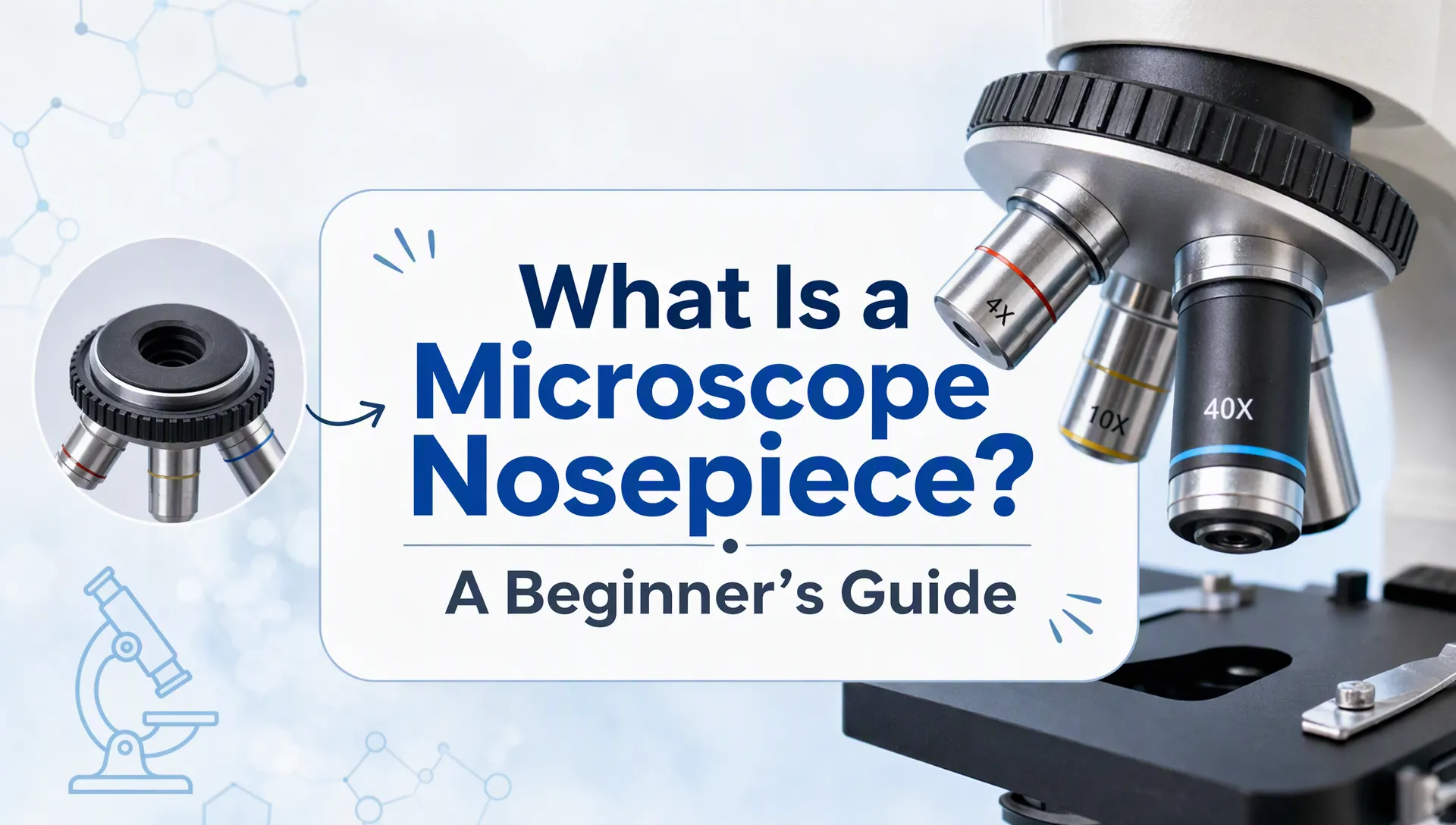
A microscope nosepiece is the rotating assembly that holds the objective lenses on many compound light microscopes. Also called a revolving nosepiece or objective turret, it lets you switch from a broad view of a specimen to a closer view without removing and replacing lenses.
This guide covers typical compound light microscopes, which use an objective and an eyepiece to magnify a specimen. Other microscope designs may use different arrangements. OpenStax’s Instruments of Microscopy explains these basic optical systems.
Key Takeaway
-
The nosepiece holds the objectives and rotates the selected objective into the microscope’s optical path.
-
The objectives provide different magnifications. The nosepiece itself is a mechanical holder and selector, not a magnifying lens.
-
Begin with the lowest-power objective. Turn the nosepiece using its intended grip until the selected objective is fully seated.
Where Is the Nosepiece?
On a typical upright compound microscope, look above the stage and below the head or body tube. The objective lenses extend downward from the nosepiece toward the slide.
The number of objective positions varies by model. Do not assume that every microscope has the same capacity or objective arrangement.
|
Part |
Where to Look |
Main Function |
|---|---|---|
|
Nosepiece |
Above the stage, where the objectives attach |
Holds and positions the selected objective |
|
Objective lenses |
Attached to the nosepiece, facing the specimen |
Form the specimen’s magnified image |
|
Eyepiece |
At the top of the microscope |
Further magnifies the image for viewing |
|
Stage |
Beneath the objectives |
Supports and positions the slide |
|
Focus knobs |
Usually on the sides of the microscope |
Adjust the distance between specimen and objective to bring the image into focus |
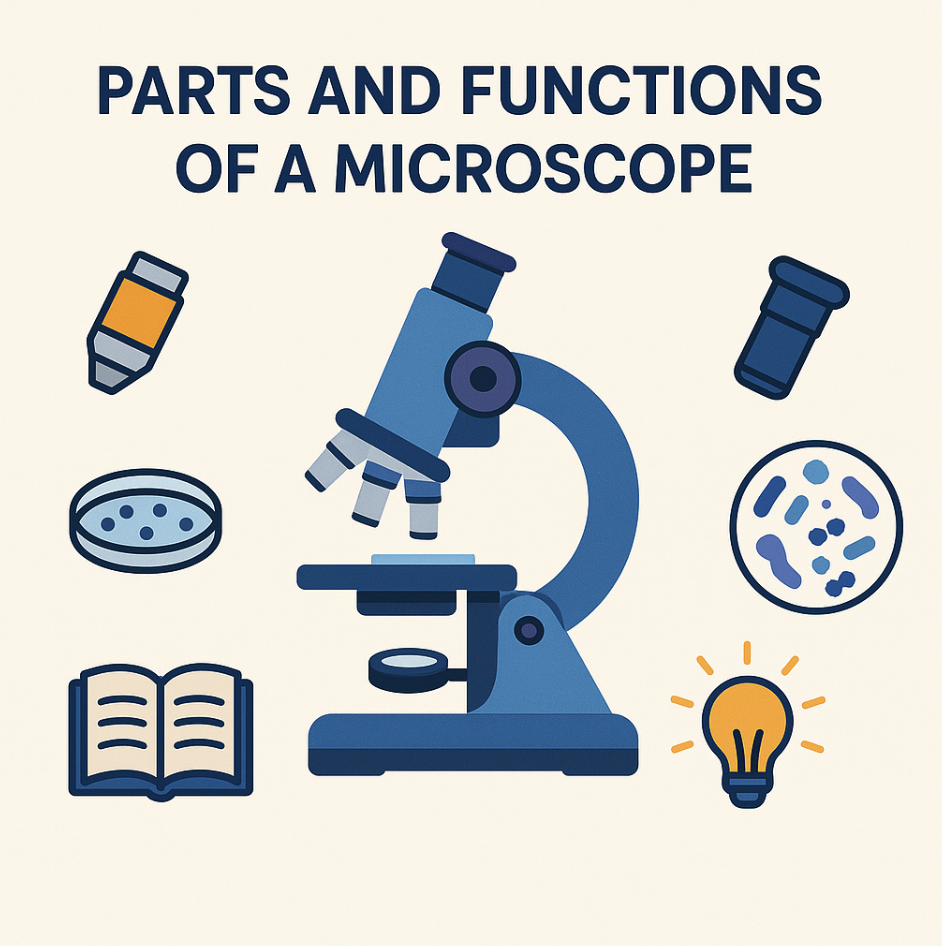
For illustrated part identification, see Nikon MicroscopyU’s microscope components guide. Its microscope objectives guide explains the optical components attached to the nosepiece.
How Does Turning the Nosepiece Change Magnification?
Rotating the nosepiece moves one objective out of the optical path and brings another into alignment. A click or detent commonly indicates that the objective has reached its operating position.
For a standard visual compound microscope:
Total magnification = eyepiece magnification × objective magnification
These common teaching-microscope examples assume a 10× eyepiece:
|
Objective Magnification |
Eyepiece Magnification |
Total Magnification |
|---|---|---|
|
4× |
10× |
40× |
|
10× |
10× |
100× |
|
40× |
10× |
400× |
|
100× |
10× |
1000× |
Configurations vary. Read the markings on your actual eyepiece and objectives rather than assuming they match this table. Nikon’s magnification guide explains how the optical components determine magnification.
Higher objective magnification generally shows a smaller area of the specimen with the same eyepiece. This shrinking field of view is why a specimen visible at low power can disappear after switching objectives.
A larger image also does not automatically reveal more detail. Resolution depends on factors including numerical aperture, which describes an objective’s ability to gather light and resolve fine structures.
How to Rotate the Nosepiece Safely
-
Select the lowest-power objective. Use the nosepiece’s intended grip, not an objective barrel as a handle. Make sure the objective is fully seated.
-
Locate and focus the specimen. Follow your microscope’s instructions for initial focusing.
-
Center the feature you want to examine. Higher magnification reduces the visible area, so an off-center feature may leave the field.
-
Check clearance from the side. Confirm that the next objective can move into position without touching the slide or coverslip. If clearance is uncertain, stop and follow the instrument’s instructions.
-
Rotate gently into the next position. Never force the mechanism.
-
Refine focus. At higher power, use fine focus rather than large coarse-focus movements, following the instrument manual.
Properly matched objectives are often parfocal: after focusing with one objective, switching to another usually requires only a small focus adjustment. This does not guarantee perfect focus or safe clearance.
Working distance is the space between the objective’s front lens and the specimen when focused. It often becomes shorter with higher-power objectives, making careful handling more important. Nikon’s working distance and parfocal distance guide explains both measurements.
Many common 100× objectives require immersion oil, but not all do. Check the objective markings and manufacturer’s instructions before applying anything. The Olympus objective guide explains objective specifications and immersion requirements. Do not let a dry objective rotate through oil left on a slide.
What If the Nosepiece Will Not Click Into Place?
A partly rotated nosepiece can obstruct the optical path, producing a dark, incomplete, or missing image. Gently check that the selected objective is fully seated before changing unrelated controls.
|
Problem |
What to Check or Do |
|---|---|
|
Dark or partly blocked view after switching |
Check that the objective is fully in position |
|
Specimen disappears at higher power |
Return to low power, find and center it, then try again |
|
Image needs a small focus adjustment |
Use fine focus; parfocal objectives may still need adjustment |
|
Stiff rotation, excessive play, or a loose objective |
Stop using the microscope and consult the manual, instructor, or service provider |
Keep the assembly clean and dry, and avoid touching lens surfaces. Use manufacturer-approved cleaning materials and methods, such as those described in Olympus’s cleaning microscope optics guide. Do not add lubricant or use household cleaners as a troubleshooting shortcut.
Matching screw threads alone does not make a replacement objective compatible. Optical design, parfocal distance, and manufacturer specifications also matter. Nikon’s infinity optical systems guide explains why objectives function as parts of a matched optical system.
Final Thoughts
Before using an unfamiliar microscope, identify its lowest-power objective, the nosepiece grip, and the fine-focus control. If the controls or slide clearance are unclear, ask for a demonstration before placing a valuable specimen beneath the objectives.
FAQ
What is another name for a microscope nosepiece?
“Revolving nosepiece” and “objective turret” are common alternative names.
Is the nosepiece the same as an objective lens?
No. The nosepiece is the rotating holder. An objective is an optical component attached to it.
How many objective lenses can a nosepiece hold?
Capacity depends on the microscope model. Count the mounting positions or check the manufacturer’s specifications.
Does every microscope have a revolving nosepiece?
No. Some microscopes use a single objective, a zoom system, or another objective-selection arrangement.
Why does the image disappear after I turn the nosepiece?
The objective may not be fully seated, the specimen may be outside the smaller field of view, or focus may need adjustment. Return to low power to relocate and center the specimen. If the view remains dark, check illumination and other settings according to the manual.